共计 1124 个字符,预计需要花费 3 分钟才能阅读完成。
我们可以通过安装 Google 身份验证器登录服务器,这样即使密码泄露没有验证码别人也进入不了服务器
环境准备
1. 安装需要的软件
yum -y install gcc make pam-devel libpng-devel libtool wget git2. 下载 google-authenticator-libpam
git https://github.com/google/google-authenticator-libpam.git3. 安装编译
cd google-authenticator-libpam/
./bootstrap.sh
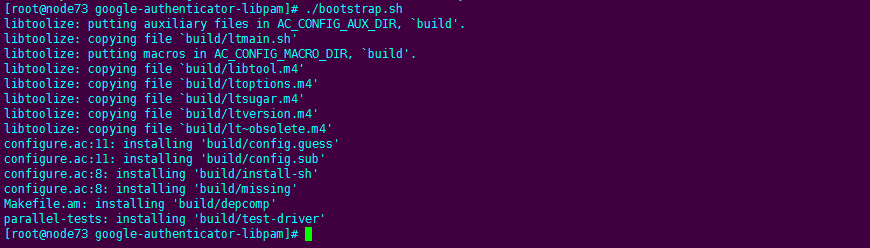
./configure && make && make install编译成功会在目录生成文件
ll /usr/local/lib/security/pam_google_authenticator.so
复制文件到 lib64
cp /usr/local/lib/security/pam_google_authenticator.so /lib64/security/4. 配置 /etc/pam.d/sshd
添加下图内容后
auth required pam_google_authenticator.so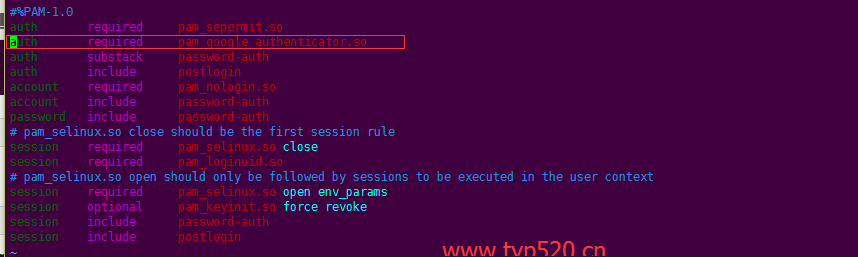
5. 更改 sshd 配置文件 /etc/ssh/sshd_config

6. 重启 sshd
systemctl restart sshd7. 切换到需要验证的用户如 root 用户
google-authenticator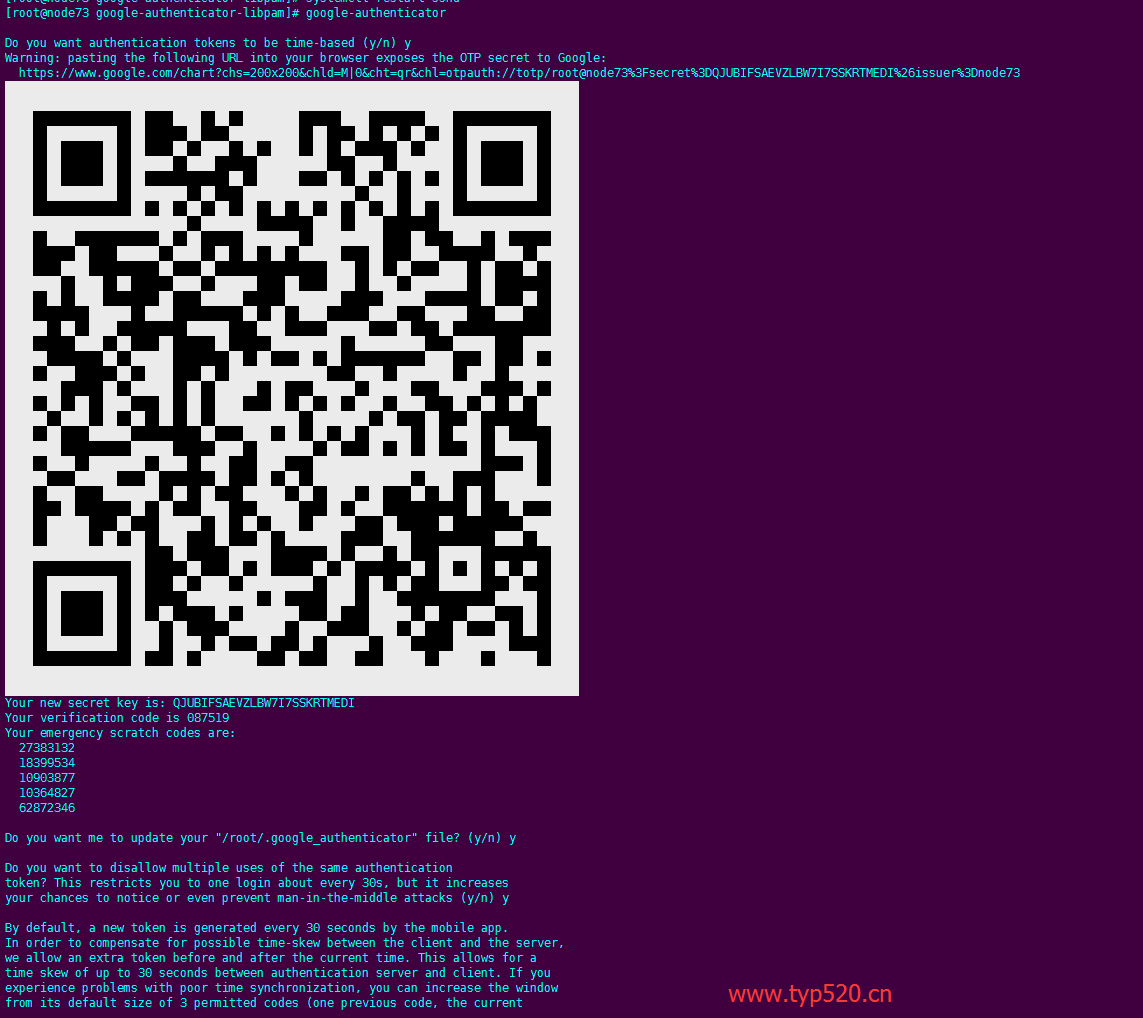
使用手机 google 身份验证器扫描二维码进行登录
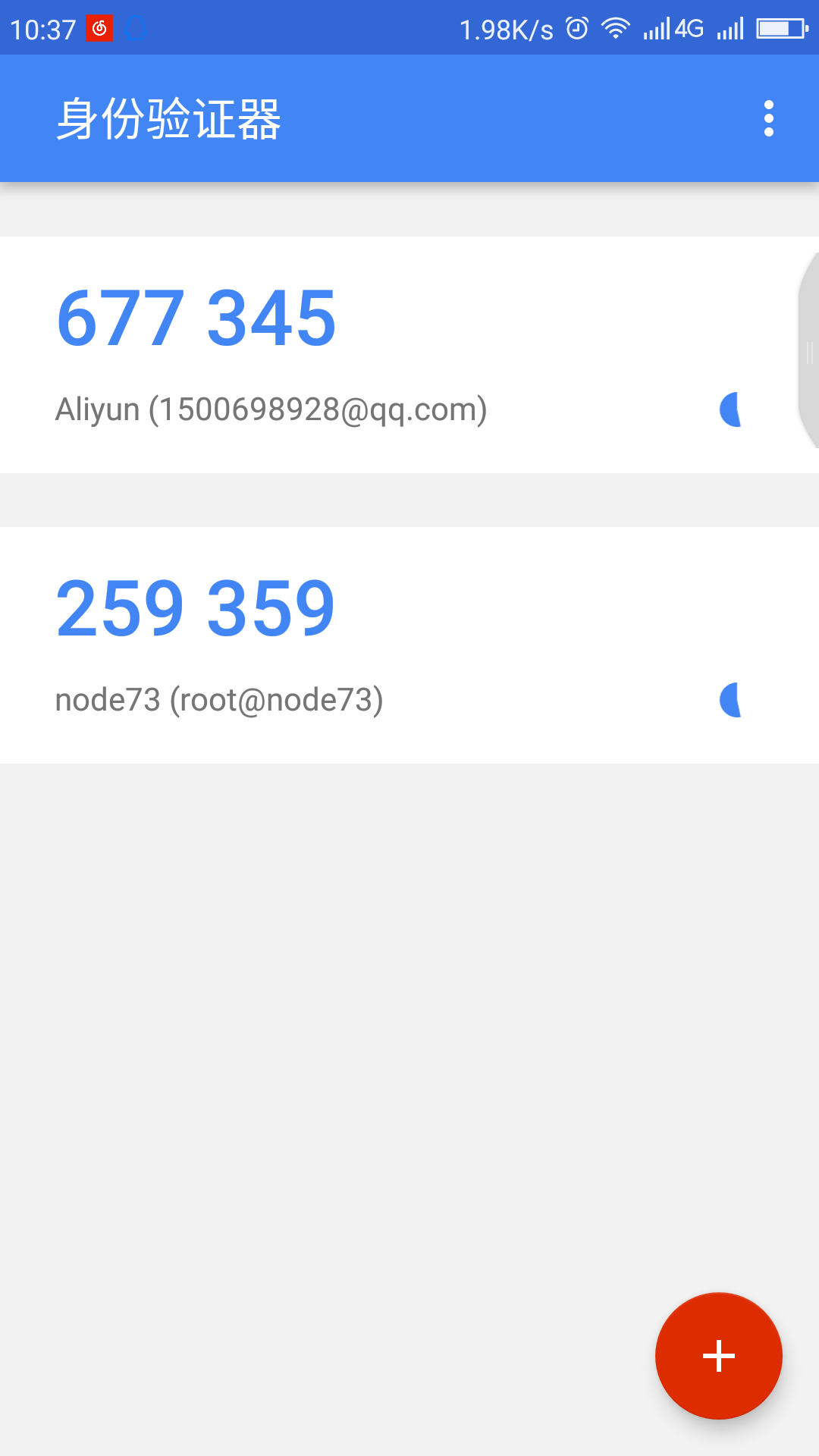
8.xshell 配置
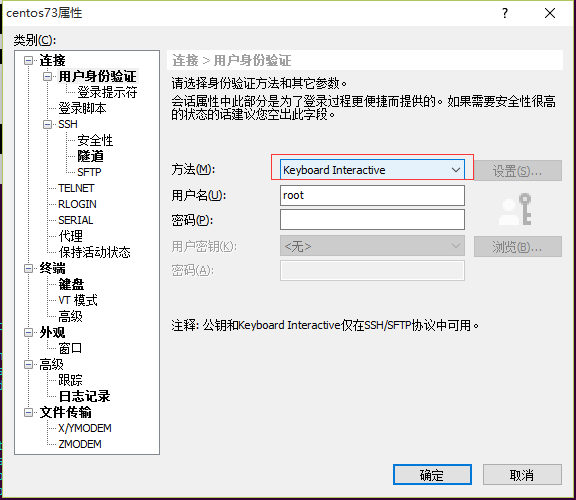
9. 登录服务器
输入 google 身份验证码
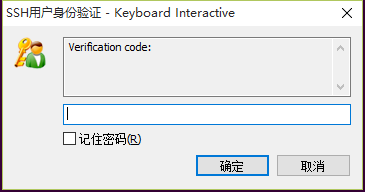
输入系统密码
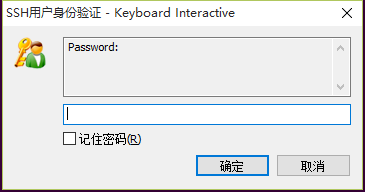
登录成功!
正文完
